Scooters Hub — error codes, repairs and fixes for electric scooters.
Error 14 on a Ninebot Max G30 stops the scooter from behaving normally, and the display gives you almost nothing to work with — just the number. The question most riders ask next is whether the magnet inside the throttle has come loose. This guide answers from the only published source there is for this code: the Ninebot error code sheet, which lists every code from 10 to 50 with the part to check.
That sheet is short on words, and this guide stays inside it. It names the fault, the three things to check, and the two parts the sheet blames. It gives no repair procedure and no magnet diagnosis — and where the sheet stops, this guide says so instead of filling the gap with a guess.
Quick facts
| Fact | Detail |
|---|---|
| Error code | 14 |
| What the sheet calls it | Throttle hall abnormal |
| Check first | Electric throttle, dashboard and connected cable |
| Parts the sheet blames | Dashboard, electric throttle |
| Source | Ninebot error code sheet (HardReset.info) |
Quick recap
- Error 14 means “throttle hall abnormal” — the throttle Hall sensor signal is not right.
- The sheet’s remedy is to check the electric throttle, the dashboard and the connected cable.
- The sheet names the dashboard and the electric throttle as the malfunction parts.
- The sheet gives no dedicated repair procedure, and it says nothing about a dislodged magnet.
The short answer: error 14 is a throttle Hall fault — check the throttle, the dashboard and the cable
Short answer: error 14 on the Ninebot Max G30 means “throttle hall abnormal”, according to the Ninebot error code sheet. The sheet’s remedy is short: check the electric throttle, the dashboard and the connected cable. The malfunction parts it names are the dashboard and the electric throttle. That is everything the sheet says about this code. It gives no dedicated repair procedure, no test values, and no mention of a magnet coming loose inside the throttle — so the magnet idea is a rider’s guess, not the sheet’s diagnosis. If you want the sheet’s own answer, it is the check list above, and nothing more.
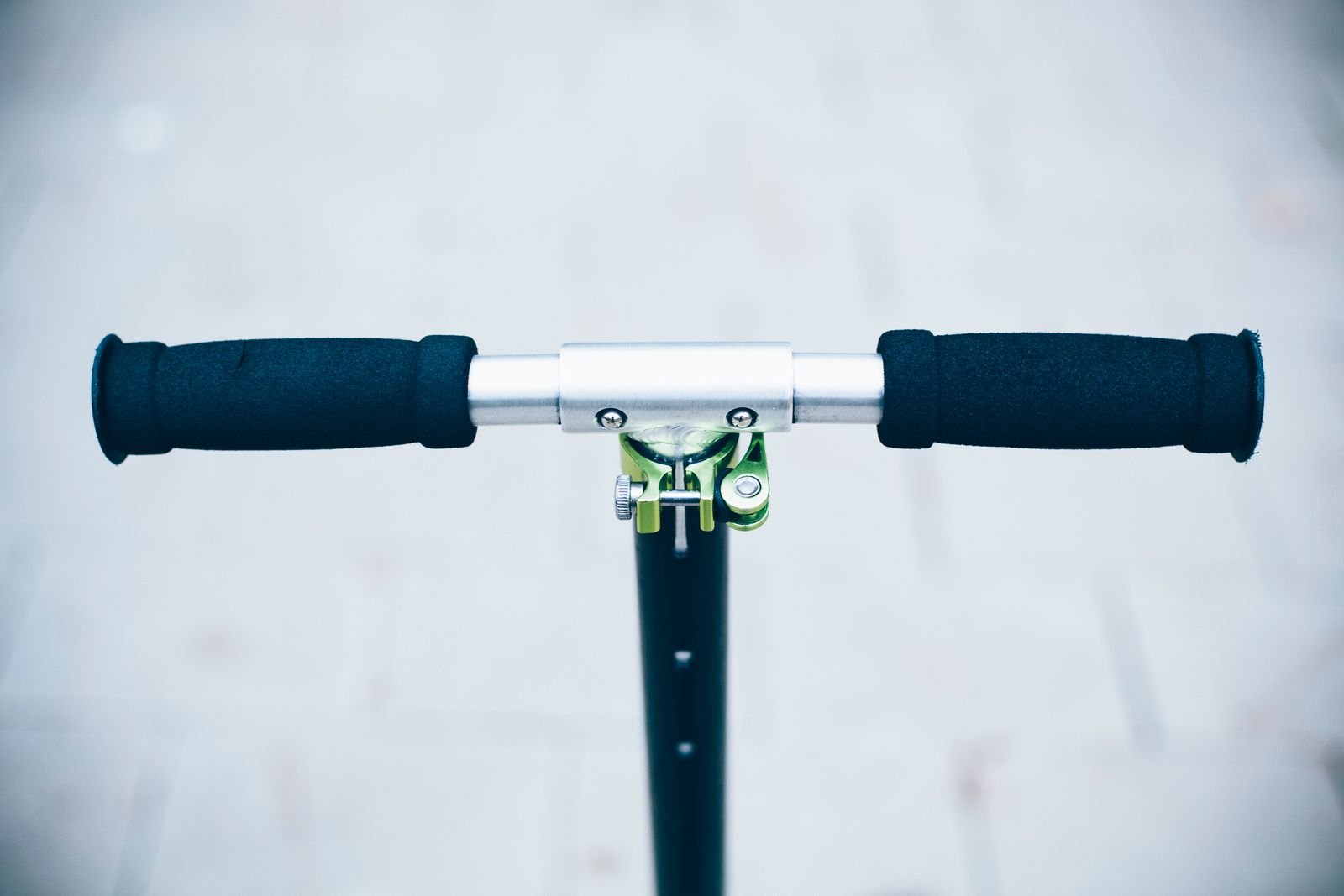
Rule of thumb: if the code appeared right after work on the handlebars, the throttle or the dashboard, the cable and connections the sheet names are the first place to look — but the sheet only says to check them, not how to test them.
How to work through error 14, step by step
Check this first: read the code again and make sure it is 14. Code 15 is the brake Hall sensor, not the throttle, and it points at a different part — the electric brake. Mixing the two up sends you to the wrong part.
What you’ll need: the error code sheet itself, and access to the throttle, the dashboard and the cable the sheet names. The sheet names no tools and no test values, so there is no tool list to give here — the checks are the sheet’s own list, not a workshop procedure.
- Read the code on the display and confirm it is 14. The sheet says the scooter shows the error code on the display when it has trouble — make sure you are reading the right number before you touch anything.
- Check the electric throttle. This is the first part the sheet names for code 14, and the part the code itself is about: the throttle Hall sensor.
- Check the dashboard. The sheet names the dashboard as a part to check and as one of the two malfunction parts for this code.
- Check the connected cable. The sheet’s third named check is the cable between the throttle and the dashboard.
- If the checks find nothing and the code stays, you have reached the end of what the sheet offers. Its malfunction parts for code 14 are the dashboard and the electric throttle — the sheet gives no further test to run.

Error 14 and the codes around it
Error 14 sits in a family of sensor and communication codes on the same sheet. Reading them together shows why the sheet keeps naming the same few parts. Our guide to another scooter error code works the same way — from the code sheet, not from guesswork.
| Code | What the sheet calls it | What the sheet says to check | Malfunction part |
|---|---|---|---|
| 10 | Dashboard and control board communication abnormal | Connected cable | Dashboard, control board |
| 14 | Throttle hall abnormal | Electric throttle, dashboard, connected cable | Dashboard, electric throttle |
| 15 | Brake hall abnormal | Electric brake, dashboard, connected cable | Dashboard, electric brake |
| 18 | Motor hall abnormal | Motor, control board, connected cable | Control board, motor |
| 35 | Unit has default serial number | Change control board | Control board |
The sheet lists codes 10 to 50. Codes 25, 30, 32, 33, 34, 36, 37 and 38 are blank on the sheet — no phenomenon and no remedy is given for them.

What changes the answer
The sheet does not change its remedy for code 14 — the check list is the same whatever the scooter’s history. What changes is how you read the result.
What works:
- Working through the sheet’s three checks in order, instead of jumping to the part you suspect.
- Comparing the code with its neighbours: if code 10 (dashboard communication) appears as well, the dashboard and the cable are common to both codes, which narrows the suspect list using the sheet’s own table.
- Treating a check that finds nothing as unfinished business, not as proof the part is good — the sheet gives no test values.
What to watch:
- The sheet gives no test values, so looking at a part and seeing nothing wrong does not clear it.
- The magnet question: the sheet says nothing about a dislodged magnet. Do not treat that idea as the sheet’s diagnosis.
- Other codes on the sheet are blank (25, 30, 32–34, 36–38) — do not assume a blank code means a working part.
Worth knowing: the code sheet is a list, not a repair manual. It names the phenomenon, the check and the malfunction part for each code. For error 14 that is the whole published procedure — there is no longer version of it to find.
The display and the throttle: what to look at
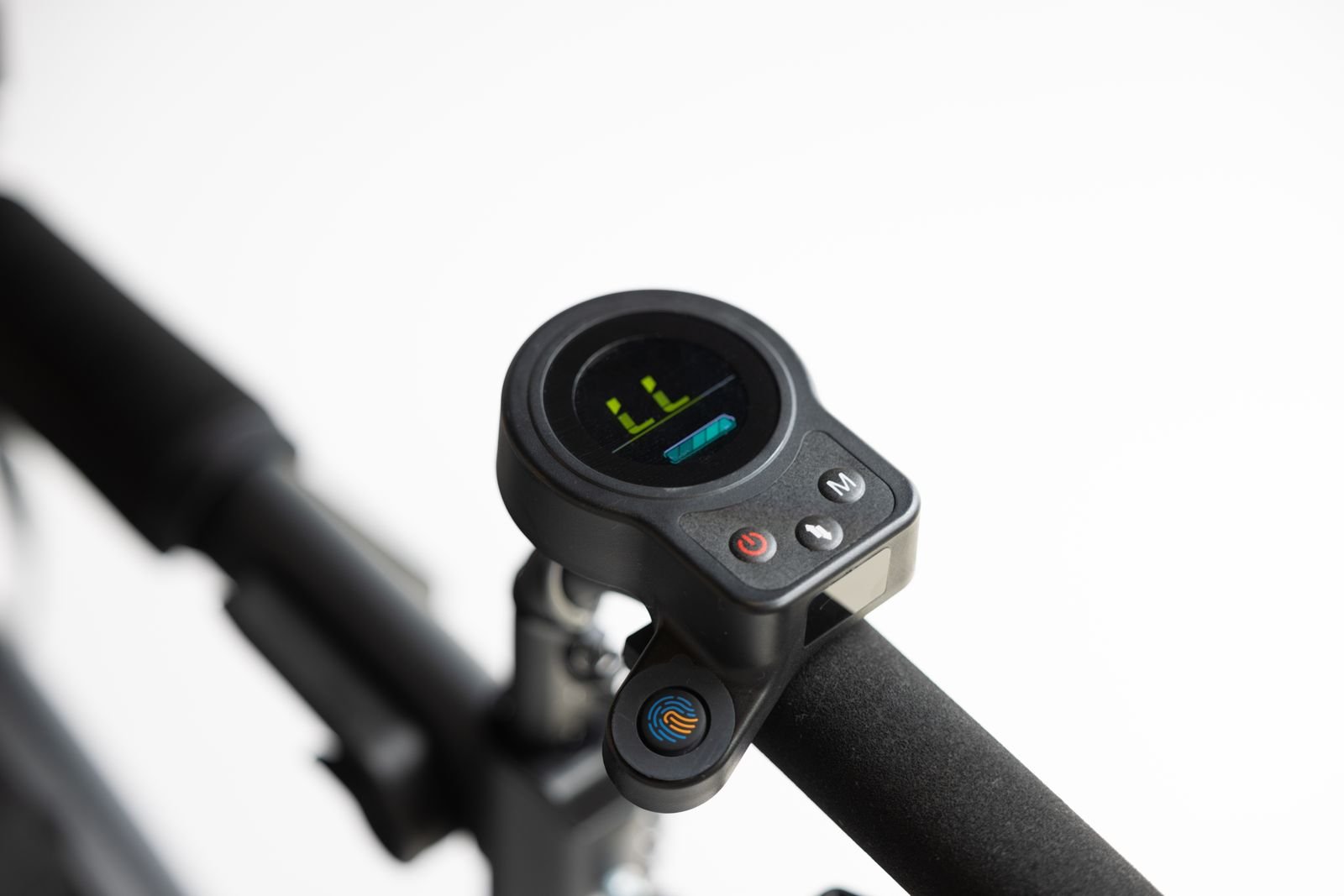
Error 14 lives in two places: the display, which shows the code, and the throttle, which the code names. There are no settings on the sheet to change — the sheet lists no menu, no reset and no calibration step for this code.
What works:
- Reading the code on the display before anything else, and confirming it is 14 and not 15.
- Checking the throttle, the dashboard and the cable the sheet names, in that order.
What to watch:
- Do not go looking for a reset or calibration step for error 14 — the sheet gives none.
- Do not open the throttle to reseat a magnet on the strength of a guess. The sheet does not name the magnet at all.
When a check becomes a fix
| Fix | Best use | Limit |
|---|---|---|
| Check the electric throttle | The first check the sheet names for code 14 | The sheet gives no test values, so a check that finds nothing does not clear the code |
| Check the dashboard | The sheet names it as a malfunction part for code 14 | The sheet gives no dashboard test |
| Check the connected cable | When the code followed work on the bars or dashboard | The sheet does not say how to test a cable |
| Replace the faulty part — dashboard or electric throttle | When a check shows one of the sheet’s malfunction parts is faulty | The sheet gives no replacement procedure; it only names the parts |

What works:
- Finding the fault by working the sheet’s check list, not by replacing parts at random.
- Replacing only the part a check shows is faulty — the sheet names the dashboard and the electric throttle as the malfunction parts.
What to watch:
- Replacing the throttle without checking the dashboard and the cable first ignores two of the sheet’s three checks.
- A new part fitted onto a damaged cable will show the same code again.
The common mistake: assuming the magnet inside the throttle has come loose and opening the throttle to reseat it. The code sheet says nothing about a dislodged magnet — it says “throttle hall abnormal” and tells you to check the throttle, the dashboard and the cable. Do not treat a guess about the magnet as the sheet’s own diagnosis.
The verdict
Error 14 is a throttle Hall sensor fault, and the code sheet’s answer is a short check list: the electric throttle, the dashboard and the connected cable. The sheet gives no dedicated repair procedure and no magnet diagnosis, so if those checks do not clear the code, the faulty part is one the sheet names — the dashboard or the electric throttle.
Readers also ask
What does Ninebot Max G30 error 14 mean?
“Throttle hall abnormal” on the Ninebot error code sheet — the throttle Hall sensor signal is not right.
Is error 14 caused by a dislodged throttle magnet?
The code sheet does not say that. It says “throttle hall abnormal” and names the throttle, dashboard and cable to check. The magnet idea is not in the sheet.
What should I check first for error 14?
Confirm the code is 14, not 15, then check the electric throttle, the dashboard and the connected cable — in that order.
What is the difference between error 14 and error 15?
14 is throttle hall abnormal; 15 is brake hall abnormal. Both say to check the dashboard and the connected cable, but the part differs: electric throttle for 14, electric brake for 15.
Can I clear error 14 by restarting the scooter?
The code sheet gives no restart or reset step for error 14. It only lists the checks.
Which part does the sheet blame for error 14?
The malfunction parts are the dashboard and the electric throttle.
Additional Details
- Name: Ninebot Max G30 Error 14: Throttle Hall Fault, What It Means and What to Check
- Description: Ninebot Max G30 error 14 means throttle hall abnormal. What the code sheet says to check — electric throttle, dashboard and cable — and what it does not say.
- Published: November 24, 2026