Part of our guide on E-Bikes
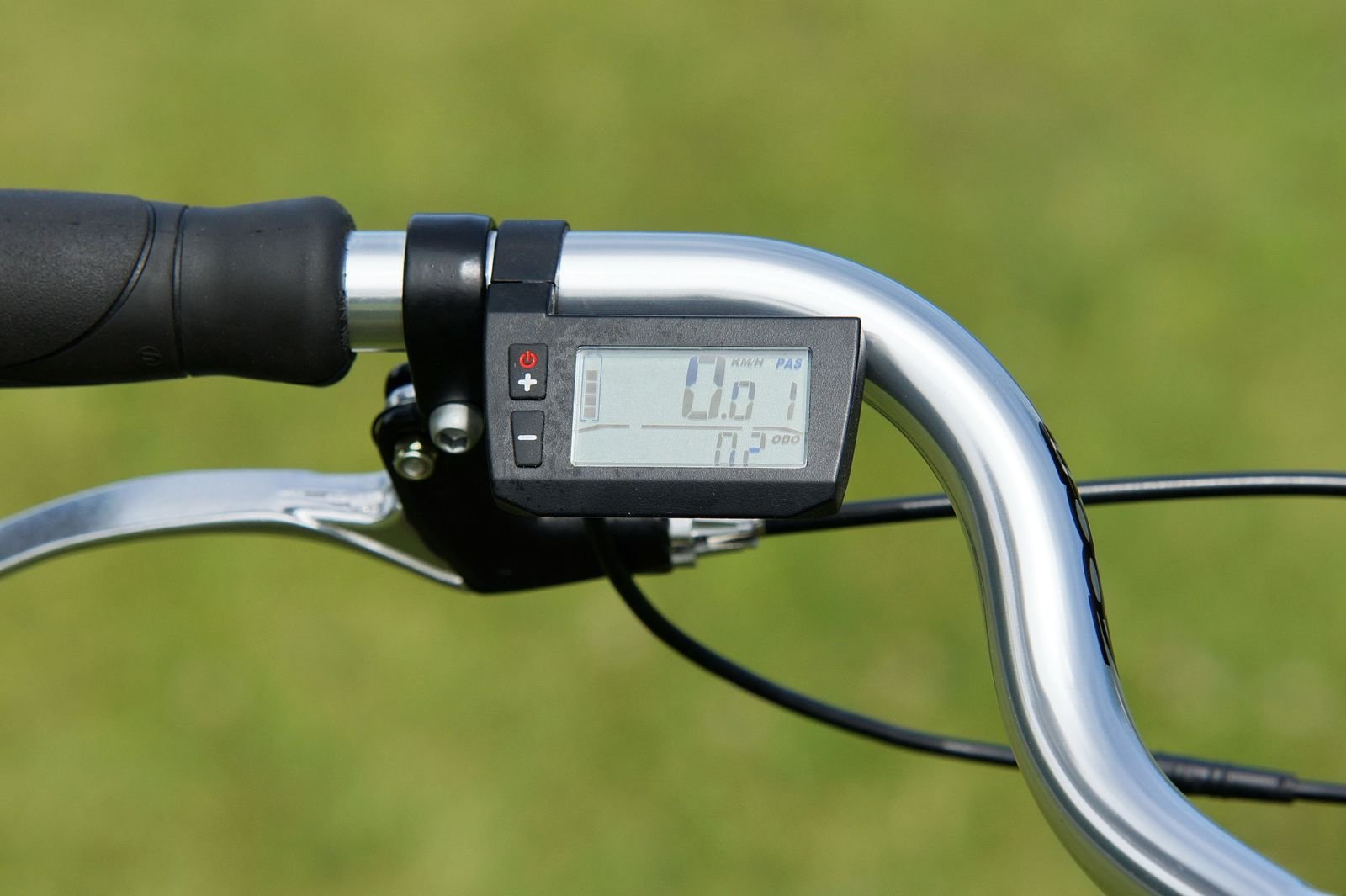
You fitted a new controller to your Lectric XP, switched on, and the display shows E010 instead of your speed. There is no assist, and the code was not there before the swap. That timing is the biggest clue: something in the change broke the link between controller and display.
E010 is a communication fault, not a battery or motor fault. This guide works through the three parts that can cause it — display, wiring, and new controller — in the order that finds the fault fastest, and says plainly where the manual stops helping.
| Fact | Detail |
|---|---|
| Code | E010 |
| Meaning | Display Communication Reception Failure — the display is not receiving the controller’s signal (Lectric XP 2.0 manual, page 36) |
| When it appears | At switch-on, usually right after a controller has been fitted or a cable disturbed |
| First check | The display quick plug — unplug, inspect both sides, reconnect with the arrows lined up |
| Not this code | E006 battery, E007 motor, E008 throttle, E009 controller, E011 the send side |
| When to stop | Burning smell, smoke, heat, a swollen or cracked battery, or melted connectors |
- E010 means the display hears nothing from the controller.
- After a swap, the usual causes are a loose plug, a disturbed harness, or a mismatched controller.
- Reseat the display quick plug and the main harness first — that clears most cases.
- The swap-back test tells you whether the new controller is the problem.
- The manual gives no diagnosis for the post-replacement case; this guide fills that gap.
Short answer: the display can’t hear the new controller
E010 means the display is not receiving the signal it expects from the controller. On an XP that has just had a controller fitted, the fault is almost always in the connection you just disturbed: the display quick plug not fully seated, the main harness loosened during the swap, or a cable pinched at the folding joint. Less often, the replacement controller itself is faulty or wrong for the display. Start with the plugs; if reseating them clears the code, you are done. If it stays, the swap-back test below will tell you whether the new controller is at fault.
Rule of thumb: If E010 appeared the first time you switched on after the swap, suspect the swap first — a plug you touched, a cable you moved, or a mismatched controller. A display that worked yesterday rarely fails overnight.
How to find the fault, step by step
Check this first: Power the bike fully off and wait ten seconds before you touch anything — E010 can latch while the system wakes up after a swap, and a cold restart clears it more often than riders expect. If the code comes straight back, work the steps below.
- Cold restart and battery reseat. Power off, wait ten seconds, power on. Remove the battery and reinstall it firmly until latched; if it is low, charge it until the charger light turns green (up to 8 hours). Our commuter e-bike battery guide covers battery faults.
- Reseat the display quick plug. Follow the display cable down to the quick plug, unravelling wrapping if needed. Pull it straight apart — do not twist — inspect both sides, then reconnect with the arrows lined up.
- Reseat the main harness and check the folding joint. The main harness plug is the other end of the same link, and the folding joint is the highest-stress point in the wiring — look for a cable pinched in the hinge or a plug pulled half out.

- Inspect every plug you touched. Look for a bent pin, a pin pushed back into its housing, moisture, or grit on either side. A bent pin is easy to miss and will hold E010 on no matter how many times you restart.
- Run the swap-back test. Refit the old controller, if you kept it, and switch on. If E010 clears, the new controller is the problem; if it stays, the fault is in the display or harness.
- Check the replacement matches the bike. A controller made for another bike, or a generic 48V unit, may use a different plug or protocol, and then no reseating will clear E010. Match the part number and plug shape against the one you removed.
What you’ll need: if the swap-back test points at the new controller, buy a matched controller and display pair.

What E010 looks like in practice
When E010 appears, and what else you notice with it, points at different parts of the link.
| Situation | What you’ll notice | What to try |
|---|---|---|
| First switch-on after the swap | Code at once, no assist, display otherwise normal | Reseat the display quick plug and main harness |
| Only after folding the bike | Fine before, code after unfolding | Check the folding joint for a pinch or pulled plug |
| After riding in rain | Code after a wet ride, may clear when dry | Dry the plugs, check for corrosion |
| Display flickers, then E010 | Display cuts in and out first | Loose plug or damaged cable — reseat, check for a bent pin |
| Clears, then returns every ride | Back after every reseat | Swap-back test — a part is failing |
What changes the answer
Two things change the diagnosis: whether the old controller clears the code, and whether the replacement is a Lectric part or a generic one. If the swap-back test clears E010, the answer is the new controller. If it stays, the answer is the display or the harness. A generic controller that cannot speak the display’s protocol shows E010 from the first switch-on, with every plug perfect.
What works:
- Reseating the display quick plug with the arrows lined up.
- Checking the folding joint after every fold.
- The swap-back test, which separates a bad controller from a bad display or harness.
- A matched pair when the old display cannot talk to the new controller.
What to watch:
- A code that returns every ride is a failing part, not a loose plug.
- Moisture or corrosion looks like green or white residue; cleaning helps only if the pins are sound.
- Forcing a plug together with the arrows misaligned bends the pins.
- Water damage is not covered by the warranty — the bike is rated IP65, not built for heavy showers.
Worth knowing: The Lectric XP 2.0 manual lists E010 in one line — “Display Communication Reception Failure (Check Display Quick Plug)” — and says nothing about a replaced controller, which part is at fault, or compatibility. The swap-back test and mismatch checks come from the standard way these systems are diagnosed, not from the manual.
Display settings: what the P-menu can and can’t do
The settings menu is worth one look, but it cannot fix E010. Hold plus and minus together until the screen shows “P1”, press power to move between settings, plus or minus to change a value, and hold plus and minus again to leave. Power off by holding the power button to save.
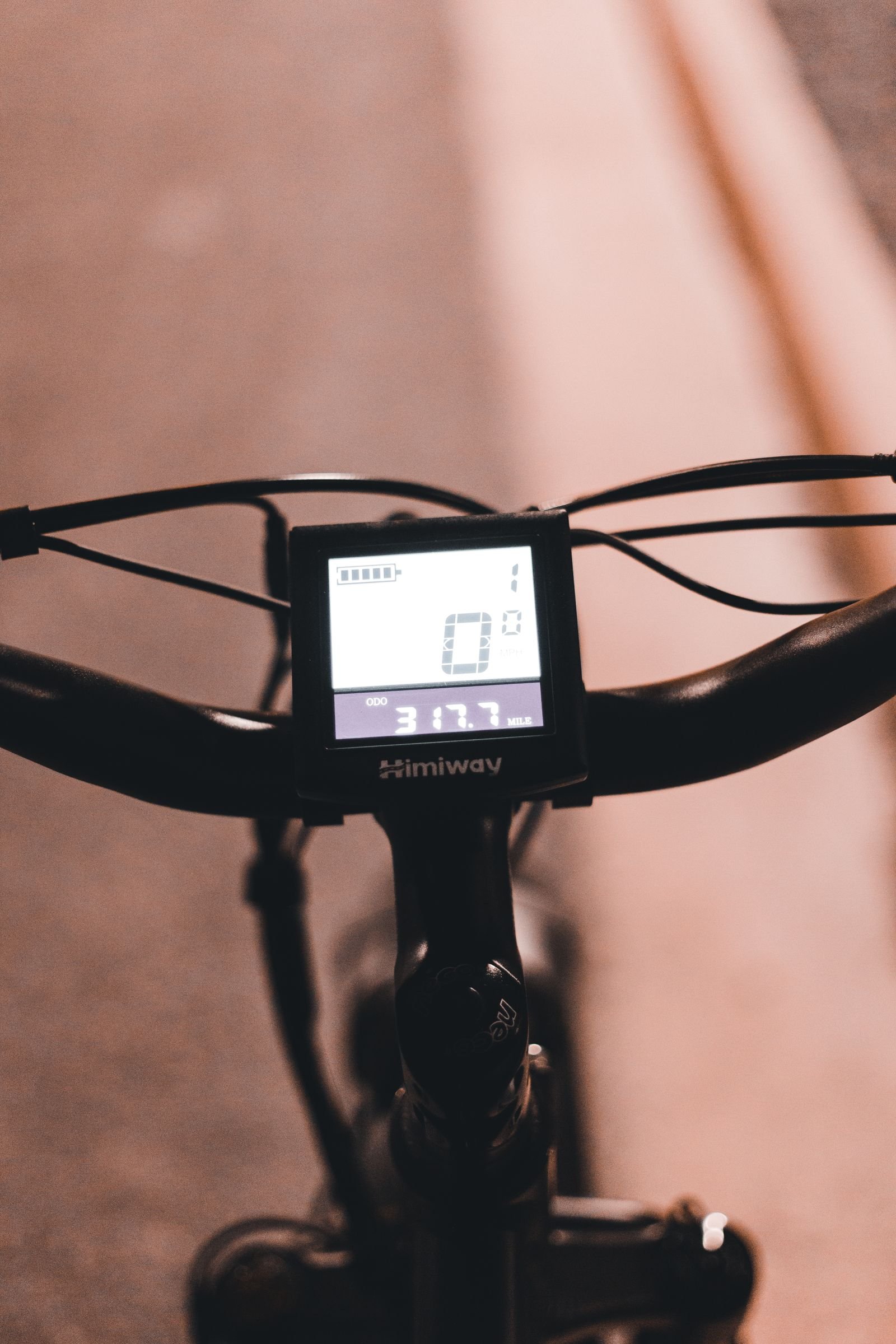
Two settings matter after a swap. P08 sets the top speed (32 to 45 for 28 mph). P09 is “Throttle Zero Start”: at 1, the throttle only works once the bike is moving. Neither touches the display link, and no setting clears E010 — check P09 only if the throttle is dead.
What works:
- Writing down each setting’s original value first.
- Checking P09 if the throttle is dead — a settings problem, not E010.
- Leaving P08 alone unless you mean to change top speed.
What to watch:
- Changing settings at random will not fix E010, and may create a second problem.
- Forgetting to save: settings only stick if you power off by holding the power button.
- A display showing nothing at all is a different fault — check the battery and display plug first.
Fix it or replace it
| Fix | Best use | Limit |
|---|---|---|
| Reseat the display quick plug | First thing to try after any swap | Only helps if the plug was loose or dirty |
| Reseat the main harness, free a pinched cable | E010 after folding or moving the bars | Will not help a bent pin or broken wire |
| Dry the plugs, clean the contacts | E010 after rain or washing | Corrosion or a melted connector needs a new part |
| Swap-back test with the old controller | Proves whether the new controller is the problem | Needs the old controller kept, and time to refit it |
| Fit a matched controller and display pair | New controller will not talk to the old display | Costs more than one part; match voltage and plug |
| Replace the display | E010 stays with the old controller refitted | Match the display to the controller’s protocol |

What works:
- Working the plugs in order before buying anything.
- Keeping the old controller until the new one has done a few rides without a code.
- Matching the replacement’s part number and plug shape against the one removed.
- Asking Lectric support when the test points at a new part.
What to watch:
- Ordering a second controller before the swap-back test — if the fault is the display or harness, it changes nothing.
- Mixing a generic controller with the original display.
- Riding far from home with a fault showing — E010 means no assist.
- Opening the controller housing — a shop job that can void a warranty.
The common mistake: deciding the new controller is faulty and ordering another one before checking the plugs. Most post-swap E010 cases are a quick plug never fully seated, or a cable pinched at the folding joint. The swap-back test costs an hour; a second wrong part costs the price of the part.
The verdict
E010 after a controller swap is a connection problem until proven otherwise — reseat the display quick plug and the main harness, then run the swap-back test before you buy anything. If the old controller clears the code, the new controller is the fault; if it does not, the display or the harness is.
Readers also ask
Will E010 clear itself?
Usually not — it stays until the connection is fixed.
Is E010 the same as E011?
No — E010 is the receive side, E011 the send side. Same plugs, same fix path.
Can I ride with E010 showing?
It rides as a normal bike with no assist — but fix it first.
Does a new controller need the display replaced too?
Only if the two cannot talk to each other — a matched pair removes the question.
Why did E010 appear only after I folded the bike?
A cable pinched at the folding joint, or a plug pulled loose. Check that joint first.
Should I call Lectric support?
Yes if the swap-back test points at the new controller, or you see corrosion, melted connectors, or damage. Under warranty, check with support first.
As an Amazon Associate, this site earns from qualifying purchases made through links on this page.
Additional Details
- Name: Lectric XP E010 Error After Replacing the Controller
- Description: E010 after a new controller on your Lectric XP means the display hears nothing from the controller. Check the quick plug, harness and match — step by step.
- Published: 22 November 2026