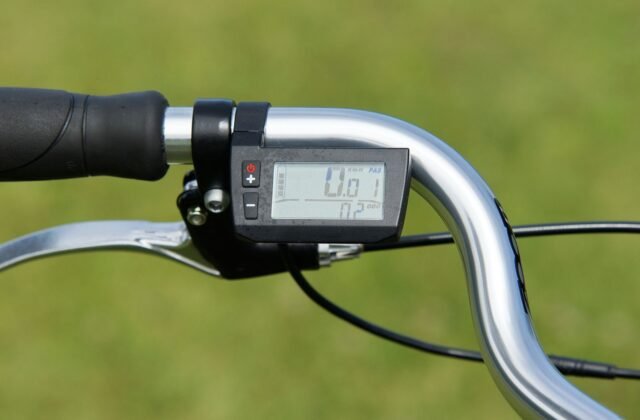
HOT on your Lectric XP display means one thing: something in the drive system is too hot, and the bike has cut the power to protect itself. It usually shows up on a long climb, on a hot day, or after a stretch of throttle-only riding — and the first question every rider asks is the same: how long do I wait, and can I ride on?
The short version: no, not while HOT is showing. Stop, switch the bike off, let it cool, check the motor, battery and plugs, then test it gently before riding on. One honest note: the XP 2.0 manual does not list HOT in its error-code table and gives no fixed cooling time, so the steps below use the manual’s own checks plus the touch test. Part of our guide on E-Bikes.
Jump to: Step 1 | Step 2 | Step 3 | Step 4 | Step 5 | Step 6 | Why does this happen? | Tips | FAQ
Step 1 – Stop safely and get off the road
The moment HOT appears, stop somewhere safe. Do not try to ride through it or finish the climb first — the bike has already cut the power, and pushing on with a hot motor only adds heat. Pull over onto flat ground, well away from traffic, and put the bike on its kickstand — if you are on a hill, walk it down to a flat spot first.

Step 2 – Power off and let the bike cool down
Hold the power button on the display control pad until the bike switches off. Riding on with HOT showing is not an option: the only thing that clears it is cooling. Move the bike into the shade if you can — direct sun keeps the temperature up long after the motor has stopped.
Then wait. Lectric publishes no cooling time for HOT, so plan on 15 to 30 minutes as a rule of thumb — but the clock is not the test; the touch test in Step 3 decides whether the bike is ready.
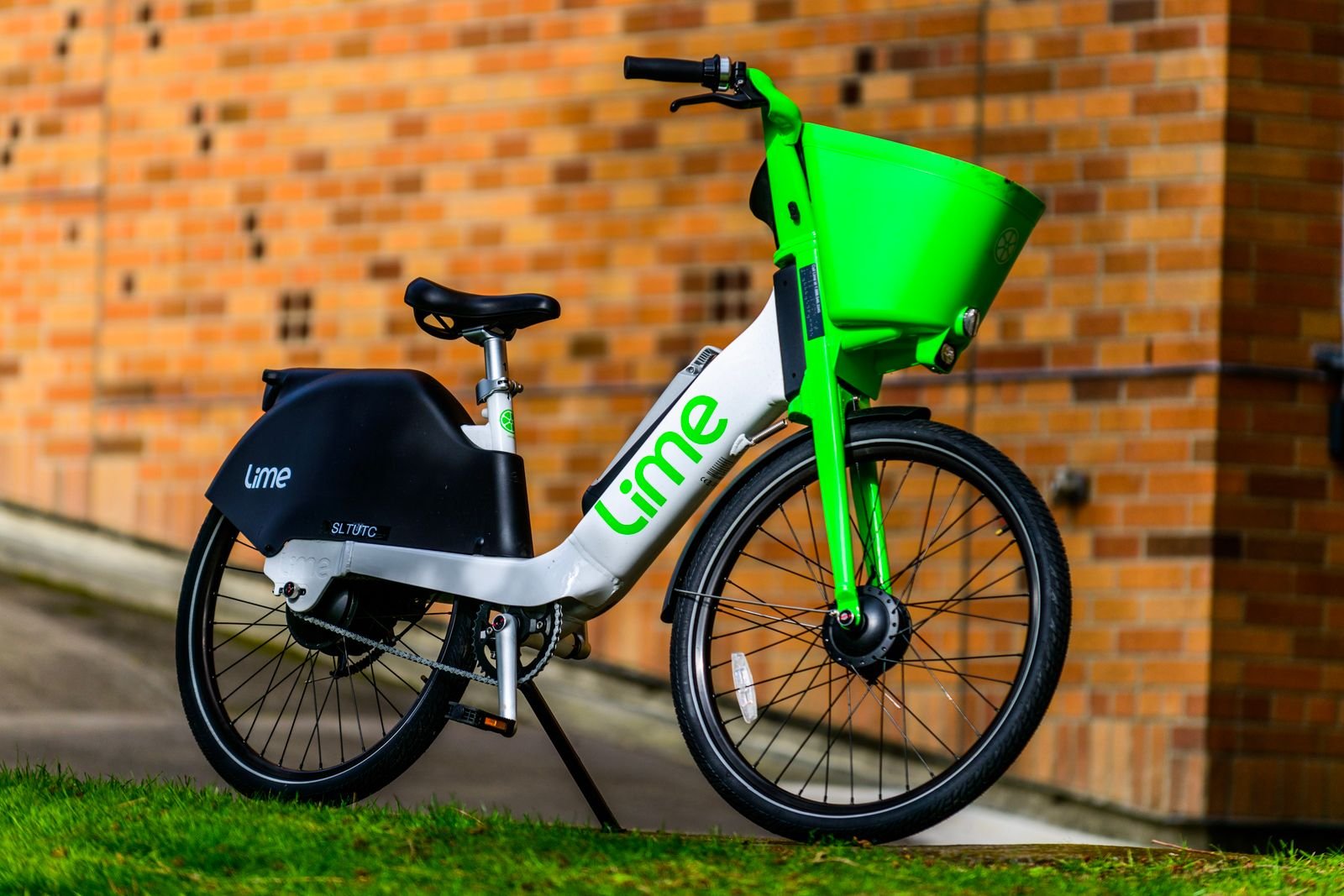
Two things not to do while you wait. Do not pour water over the motor or battery: the XP 2.0 is rated IP65 — dust-tight and able to handle water jets — but it is not waterproof, and cold water on a hot motor does more harm than good. And do not plug the charger in while the battery is hot; let it cool first, then charge until the light turns from red to green.
An ageing battery works harder under load, so one that has lost range can run hotter on the same ride.

Step 3 – Find what overheated
Once the bike has cooled, work out which part got hot. Hold the back of your hand near — not flat on — the rear hub motor first, then the frame around the downtube and battery, then the battery case. The back of the hand is more sensitive to heat, and pulls away faster if something is still very hot.
Which part is hot tells you where the heat came from. A hottest hub motor means the motor did the hard work — usually a long climb or a long stretch on the throttle. A warmest battery case means the battery was under heavy draw. If everything is only mildly warm, move on to the plug check. But if the battery is still very hot, swollen, or smells odd, stop here: do not charge it and do not keep riding. That is a battery problem, and it needs Lectric support.

Step 4 – Check the quick plugs and cables
The manual’s fix for most display and motor problems starts with the quick plugs. A loose or dirty plug adds resistance, and resistance makes heat, so check them while the bike is off.
Follow the cable from the display down to the quick plug, unwrapping some plastic wrapping if you need to reach it. Pull the plug apart with a straight, quick pull — do not twist it — inspect both sides for dirt, moisture, bent pins, or heat discolouration, then reconnect it by lining up the arrows on both ends. Do the same for the motor quick plug, the one the manual points to for a motor fault (E007).
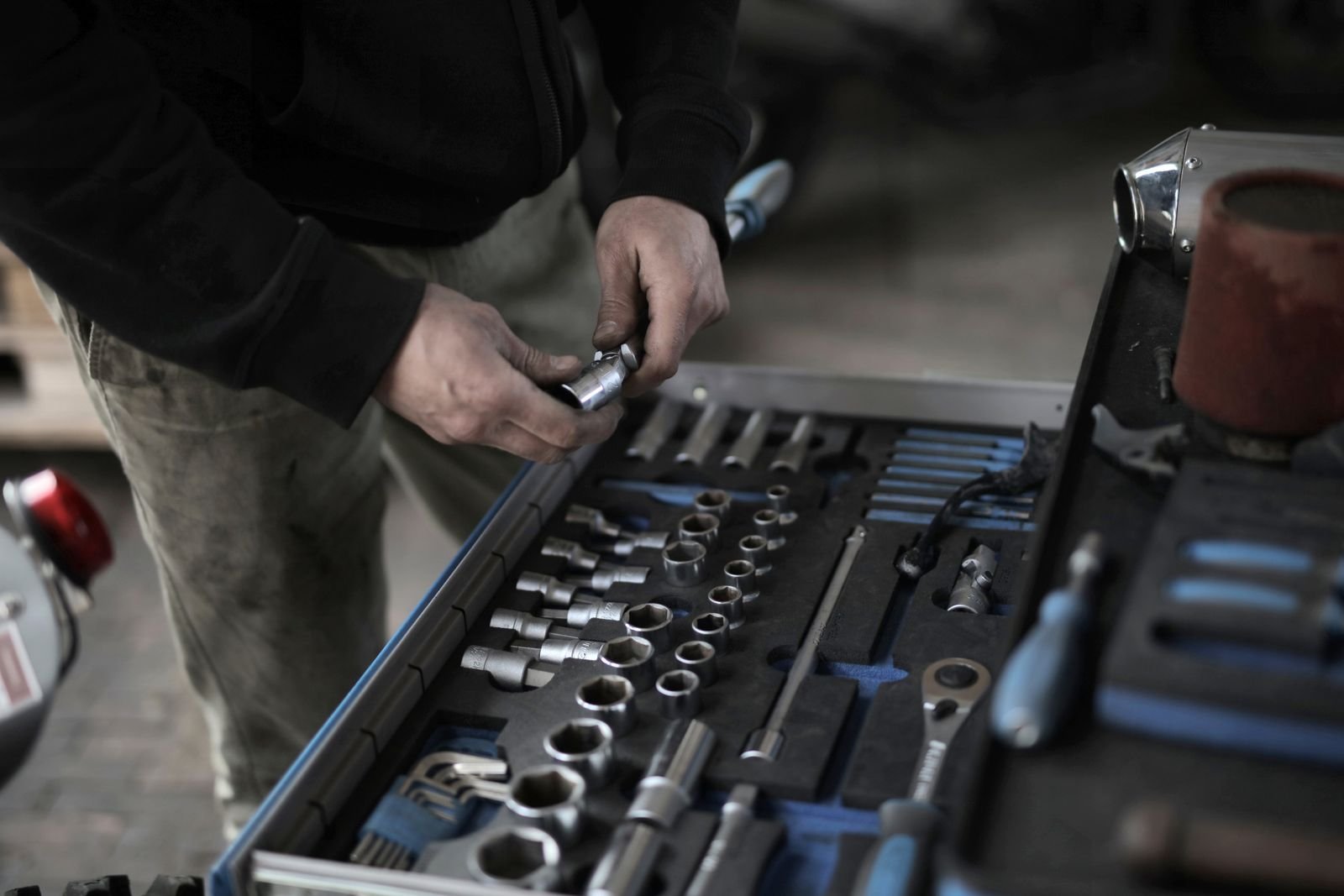
Also look along the cables for pinching, rubbing, or damage — especially near the folding joint, where a pinched cable can cause the same kind of fault. If a plug is damaged or a cable is cut, do not tape it up and ride on; that part needs replacing. And if the display itself is faulty, the display is the part to replace — check that any replacement is made for your bike first.

Step 5 – Restart and test at low assist
Hold the power button on the display control pad to switch the bike back on. If HOT is gone from the display, the bike has cooled enough to test. If HOT is still there, switch off and give it more time — do not try to ride through it.
Test on flat ground at pedal assist level 1 or 2, pedalling gently with no throttle, for a few minutes, watching the display the whole time. If HOT returns within a minute or two, switch off and go to Step 6.
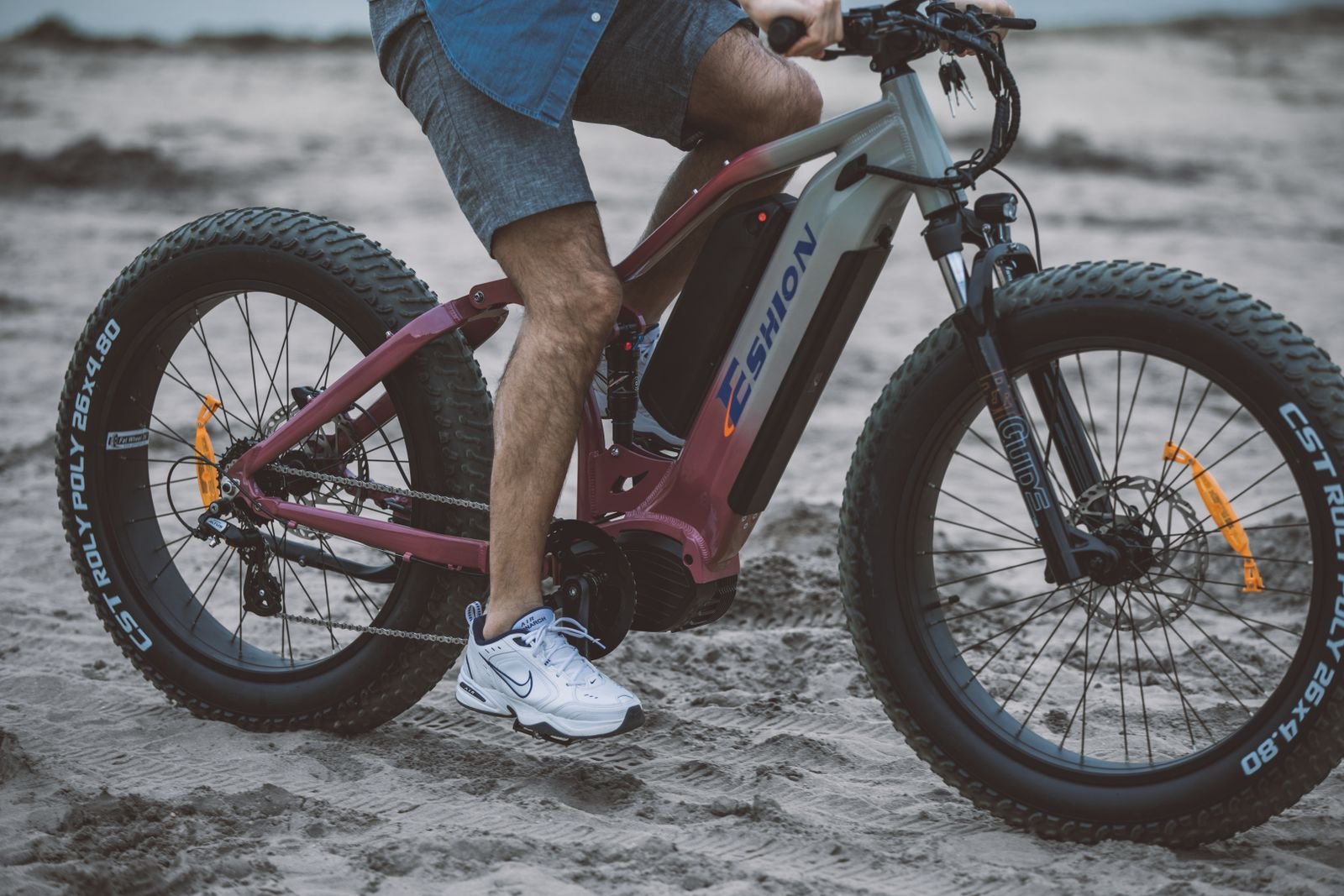
If the test ride stays clear, the bike is ready to ride on — gently, at first. Keep the assist low and keep pedalling; do not go straight back to full throttle or a steep climb. If the motor itself keeps overheating, that points to a motor problem rather than a one-off hot day, and a replacement hub motor is the repair to discuss with support or a shop.

Step 6 – Decide: ride on or get help
Ride on if HOT cleared, the test passed, and the motor and battery are only warm. Ride gently: pedal assist level 1 or 2, keep pedalling, avoid throttle-only riding and steep climbs, and stop again if HOT returns. You can also ride with the assist set to level 0 — the manual says the XP 2.0 works as a regular bike with no assistance, so you can pedal home unassisted.
Get help if HOT comes back quickly on a gentle test, the motor or battery stays very hot, there is a smell or swelling, or an error code appears — for example E007, a motor fault, or E009, a controller fault. The manual’s advice when its steps do not fix the problem is to reach out to Lectric eBikes customer support, and a local e-bike shop can check the motor and controller hands-on. If the bike is still under warranty, do not open the motor, controller, or battery yourself. Note down when HOT appeared and what you were doing — that is what support will ask for first.
Why does this happen?
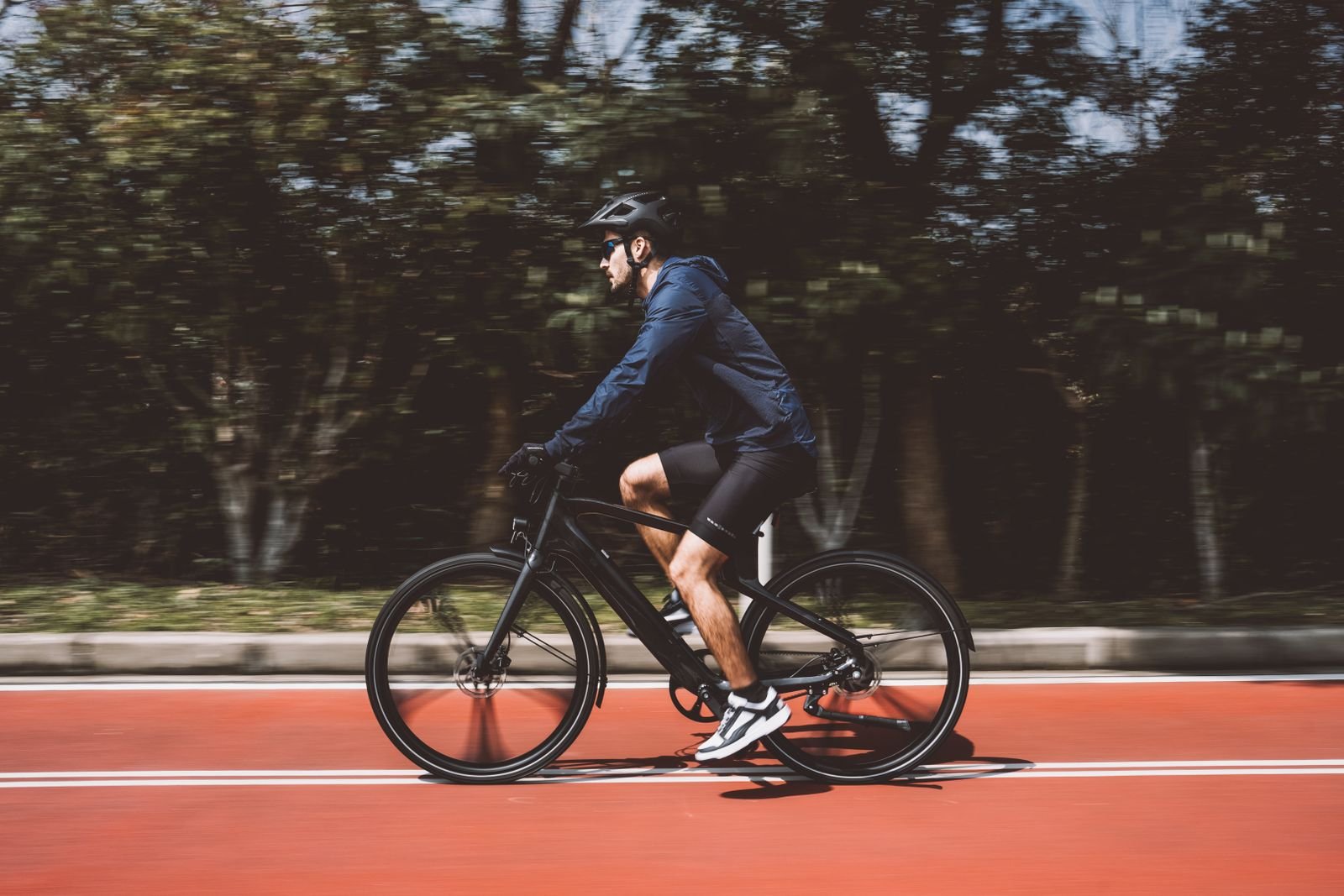
Heat is the by-product of the motor working hard: every watt that does not become motion becomes heat, and an e-bike motor has no fan — it cools through the air moving past it. So HOT shows up when the motor works hard and cooling cannot keep up: a long steep climb, throttle alone for miles, assist level 5, a heavy load, a hot day, or slow riding with little airflow.
The manual’s own advice points the same way. On hills it says to use the lowest gear and lower assist levels, and to pedal when climbing. The range figures show the cost of high assist: about 25 miles on pure throttle at level 5, about 35 miles at level 3, and 45 miles or more at levels 1 and 2. The unlocked 28 mph top speed, set through P08, also loads the motor more than the 20 mph default. None of this means the bike is faulty — HOT is a protection cut-out, not a failure by itself.
One more thing: HOT is not one of the manual’s error codes. The table lists E003, E006, E007, E008, E009, E010 and E011 — and no HOT. That is why the manual has no dedicated HOT page, and why the fix is the cooling and plug checks above rather than a code lookup.
Tips to stop HOT coming back
- Use assist levels 1 or 2 and pedal on hills, in the lowest gear — save level 5 and the throttle for flat ground.
- Do not ride throttle-only up a long climb. The motor does all the work, with no help from your legs and little airflow at low speed.
- Keep the total load in mind — the XP 2.0 is rated to carry 330 lbs, and a heavy load on a climb means more heat.
- Do not start a big climb on a nearly empty battery — a full charge takes about 4 to 6 hours.
- Park in the shade. A bike left in direct sun starts the ride already warm.
- Check the quick plugs now and then, especially after folding the bike or removing a wheel.
- If HOT keeps coming back on easy, flat rides, that is a fault, not a riding-style problem. Get the motor and controller checked.
The verdict
HOT is the bike telling you to stop and let it cool — not a death sentence for your XP. Stop, cool it down, check the plugs, test gently, and ride on at low assist; if it keeps coming back, let Lectric support take a look.
Readers also ask
How long should I wait for HOT to clear? Lectric gives no fixed time, so use the touch test rather than the clock. Plan on 15 to 30 minutes in the shade, then check the motor and battery are only warm.
Can I ride with HOT showing? No — the bike has already cut the power. You can still pedal with the assist set to level 0; the manual says the XP 2.0 works as a regular bike with no assistance.
Is HOT an error code? No — it does not appear in the manual’s error-code table, which lists E003 through E011. HOT is a temperature warning, and it clears with cooling rather than a code fix.
Will HOT damage my bike? One occurrence is not damage — the warning is a protection cut-out. Repeated overheating is what wears parts down, so a HOT that keeps coming back needs checking.
Does HOT mean I need a new motor? Not usually — most cases are load and heat. If HOT returns on gentle, flat rides, or an E007 motor fault appears with it, the motor or controller is the likely cause.
Additional Details
- Name: Lectric XP HOT Fault: What to Do When High Temperature Stops Your Ride
- Description: Your Lectric XP shows HOT and cuts the power. This step-by-step guide covers how long to cool down, what to check, whether you can ride on, and how to stop it coming back.
- Published: 2026-11-22T19:04:19