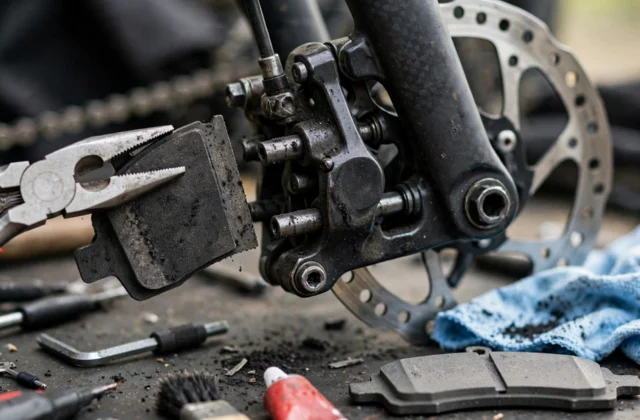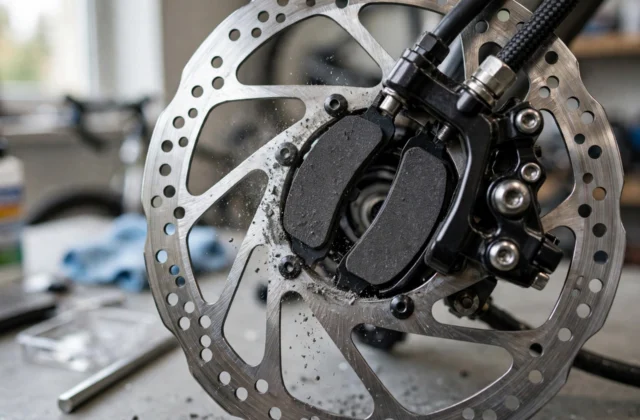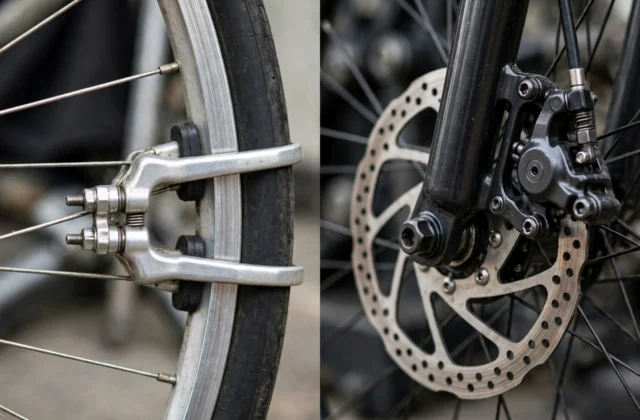
Short answer: Light surface dirt can sometimes be cleaned, but oil-soaked disc brake pads usually cannot be made safe again by cleaning, and replacement is the safer choice. If braking is weak, noisy, or unpredictable, if pads look shiny, soaked, or crumbling, or if you do not know what touched them, replace the pads, clean the rotor as directed, and bed the new pads in. Never ride in traffic to test a brake you do not trust.
Introduction
Contamination is one of the most frustrating brake problems, because it can appear suddenly and change how a brake feels without any obvious breakage. A drop of chain oil, a spray of cleaner, brake fluid, or even greasy fingers can reach a pad or rotor and reduce friction. The result may be squealing, weak power, a grabby then fading feel, or one brake that behaves differently from the other. This guide helps you decide, step by step, whether cleaning is reasonable or whether replacement is safer. It does not promise that cleaning will rescue an oil-soaked pad, and it does not recommend risky tricks such as heating, sanding, or soaking pads unless your brake maker explicitly tells you to. Where your bike or brake instructions differ from this general guide, follow those instructions first.
Clean or replace at a glance
| What you find | Cleaning may be reasonable | Replace instead |
|---|---|---|
| Light dust or road grime on the rotor | Yes, with a brake-safe cleaner and a clean cloth, as directed. | — |
| Pad surface dusty, no oil or fluid contact | Sometimes, if the pad is thick, even, and undamaged. | If the pad is worn thin, cracked, or uneven. |
| Oil, grease, chain lube, or brake fluid on the pad | Usually no. Oil soaks into the pad material. | Yes, in most cases. Replace pads and clean the rotor. |
| Unknown spill, or repeated contamination | No. | Yes, and find the source before fitting new pads. |
| Spongy lever, fluid leak, or bent rotor | No. | Get a repairer’s check; cleaning will not fix these faults. |
The honest rule: if you have to guess whether a pad is clean enough, it is not safe enough. Pads are a wear part, and replacing them is cheaper than an unreliable brake.
What you will need
| Item | Use |
|---|---|
| Clean cloths, kept oil-free | Wipe the rotor and handle parts without adding grease. |
| Brake-safe cleaner, only if your maker allows it | Clean the rotor surface; never spray it onto pads as a cure. |
| Gloves | Keep skin oil off pads and rotors. |
| Tools for your wheel and caliper | Follow your bike instructions; do not force hydraulic parts. |
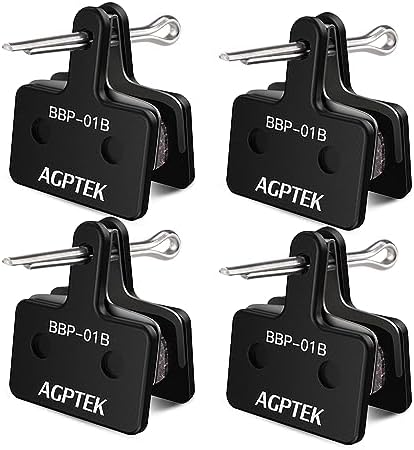
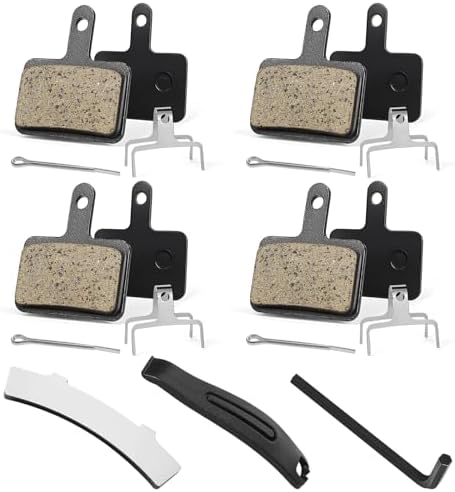
| Replacement pads, if needed | Correct shape and compound for your caliper model. |
| A safe test area | Traffic-free space for slow-speed checks after any work. |
Step 1: Confirm that contamination is the problem
Weak or noisy brakes have many causes, and cleaning the wrong thing wastes time. Check these first, with the bike still and the wheel off the ground if you can.
- Lever feel: a firm lever with weak stopping points more toward the pad or rotor surface. A spongy lever, or one that pulls to the bar, points to air, fluid, or cable trouble instead.
- Rotor look: look for an oily sheen, dark streaks, or a sticky film. Spin the wheel slowly and watch for a bent or wobbling rotor.
- Pad look: remove pads only if you are confident doing so safely. Look for a shiny, glazed surface, dark soaking, cracks, crumbling edges, or uneven wear.
- Recent work: ask what changed. A recent chain clean, wheel removal, brake bleed, or spray near the wheel often explains contamination.
- One brake or both: contamination often affects one wheel first. If both brakes feel bad, check for a wider fault, such as a fluid leak or worn pads on both wheels.
If you find a leak, a bent rotor, a cracked pad, or a spongy lever, do not try to clean your way past it. Get a qualified repairer’s check.
Step 2: Remove the wheel and pads safely
- Put the bike in a stable stand or on its side where it cannot fall, and switch an e-bike off.
- Remove the wheel following your bike instructions, keeping the bike steady so the caliper is not knocked.
- For hydraulic brakes, do not squeeze the lever with the wheel or pads removed, or the pistons can move out too far. Use a pad spacer or block if your maker supplies one.
- Remove the pads carefully, noting their order and any retaining pin, clip, or spring. Keep pads, clips, and pins together.
- Handle pads and rotors by their edges, with gloves on. Do not touch the friction surface with bare hands.
Take a photo of the pad and clip layout before removal if that helps you refit them correctly. If any clip is bent or missing, replace it with the correct part.
Step 3: Inspect and measure before you decide
Use this checklist to make the clean-or-replace call, not a guess.
- Pad thickness: compare the remaining friction material with your maker’s wear limit. Thin, worn, or uneven pads should be replaced, contaminated or not.
- Surface: a dull, even surface with light dust is very different from a shiny, soaked, or pitted one.
- Smell and feel: a pad that feels oily, sticky, or leaves a dark mark on a clean cloth has absorbed contamination.
- Rotor: a rotor with deep scoring, a bent shape, or heat discolouration needs a repairer’s judgement, not just a wipe.
- Source: find the source. Check for a leaking caliper, a dripping chain, overspray, or a bottle stored against the wheel. New pads will contaminate again if the source stays.
Write down what you found for each wheel. That note helps if the problem returns, and it helps a repairer if you hand the job over.
Step 4: Clean the rotor properly
Even when pads must be replaced, the rotor must be clean, or the new pads will pick up the same film. Work in a ventilated area, away from flames, and follow the cleaner’s instructions.
- Wipe loose dust from the rotor with a clean, dry cloth.
- Apply brake-safe cleaner only as directed, and wipe with a fresh, oil-free cloth. Use a new section of cloth for each pass.
- Do not use chain cleaner, degreaser, or household spray on a rotor unless it is explicitly approved for brakes.
- Let the rotor dry fully before refitting pads or the wheel.
- Do not touch the braking surface after cleaning, and keep the wheel away from oil, lube, and sprays until it is back on the bike.
If the rotor still shows an oily film, dark streaks, or a sticky feel after careful cleaning, ask a repairer whether the rotor also needs replacement. A rotor is not a part to guess about.
Step 5: Clean a pad only in the narrow case where it fits
Cleaning is reasonable only for light surface dirt on a pad that is thick, even, undamaged, and not oil-soaked. It is not a rescue for a pad that has absorbed oil or brake fluid.
- Brush loose dust off gently, away from the rotor, without grinding the surface.
- Do not soak pads in cleaner, water, or any solvent unless your brake maker explicitly tells you to.
- Do not use sandpaper, heat, or a flame to try to burn contamination out. Those methods can damage the pad and give a false sense of safety.
- After cleaning, refit the pad, clean the rotor, and test at slow speed in a safe area. If power, noise, or feel is still wrong, replace the pads.
If you are unsure at any point, choose replacement. That is not wasteful; it is the safe default for a safety part.
Step 6: Replace pads and bed them in
- Fit the correct replacement pads for your caliper, following your brake instructions, with clips and pins in place.
- Refit the wheel, check that it is seated and tight, and spin it to check for heavy rub.
- Squeeze the lever gently to bring the pads to the rotor, then check lever feel before riding.
- Bed the new pads in with a progressive, traffic-free routine, then let them cool fully before normal riding.
- Test at slow speed first, then at normal pace in a safe area, checking for even power, clean release, and no grinding or judder.
Prevent the next contamination
- Cover the caliper and rotor with a clean cloth or bag when cleaning or lubing the chain.
- Apply chain lube sparingly, wipe excess off, and keep sprays away from the wheel.
- Store cleaners, oils, and aerosols away from the bike, and never hang a greasy cloth over a wheel.
- After any wheel or brake work, check lever feel and wheel spin before a road ride.
- Inspect pads and rotors at regular intervals, and replace worn pads before they score a rotor.
For more repair help, see the Parts, Maintenance and Fixing Hub, browse the Brake category, and read the live guides Mountain Bike Squeaky Disc Brakes and How to Fix a Flat Tyre on the Road.
Frequently asked questions
Can I clean oil-soaked brake pads?
In most cases, no, not reliably. Oil soaks into pad material, so a surface wipe may look clean while braking stays weak or unpredictable. Replacement, with a cleaned rotor, is the safer choice.
Should I replace the rotor too?
Not automatically. A rotor that cleans up well, stays true, and has no deep scoring can often be reused with new pads. A bent, deeply scored, or still-filmy rotor needs a repairer’s judgement.
Can I use household degreaser on brakes?
No. Use only a cleaner approved for disc brakes, and follow its instructions. Household and chain degreasers can leave films or damage parts, and they do not make an oil-soaked pad safe.
Why do my brakes squeal after cleaning?
Squeal can come from a pad or rotor that is still filmed, misaligned, glazed, or not yet bedded in. If squeal comes with weak power, grinding, or judder, stop and inspect rather than riding through it.
Do I need to replace both wheels’ pads?
Replace the contaminated set. Check the other brake as well, but do not replace a healthy set automatically. Always test each brake on its own at slow speed after work.
Is it safe to ride gently while I decide?
No, not in traffic. A contaminated brake can fade or grab without warning. Keep the bike off the road until the brake is cleaned, replaced, and tested, or take it to a repairer.