
Part of our E-Bikes hub: battery care, charging and repair guides.
You pull the battery off your e-bike and spot it: a dull green crust on the metal contacts, on the pack, on the cradle pins, or both. The bike still runs, or it cuts out on the first hill — and the question is whether a quick wipe fixes it or the pack is finished.
Most of the time it is a cleaning job, not a new battery. But there is a line between a dirty contact and a damaged one, and crossing it by scrubbing harder or reaching for water makes things worse. Here are the eight things riders get wrong about corroded battery contacts, plus a checklist for when cleaning is enough and when the pack needs a shop.
The short answer: green residue is corrosion on the contacts, and a dry clean usually fixes it
That green residue is corrosion sitting on the metal contacts of the battery or the cradle it slides into. It builds up where moisture and dirt sit on bare metal and gets in the way of a clean connection. A healthy pack holds its charge indicator steady and does not cut out; a pack with a corroded contact can drop bars on the first climb or shut down, even though the cells inside are fine.
Cleaning is simple: switch the bike off, unlock the battery from its mount and lift it out of the frame, then wipe the metal discharge pins and the charging port with a dry microfiber cloth or electrical contact cleaner. Let the contacts dry fully before the pack goes back on. If the pins come up straight, shiny and dry, and the pack holds steady under load, the job is done. If the pins are pitted, bent or scorched, or the pack is swollen, cracked or rattling, cleaning has reached its limit.
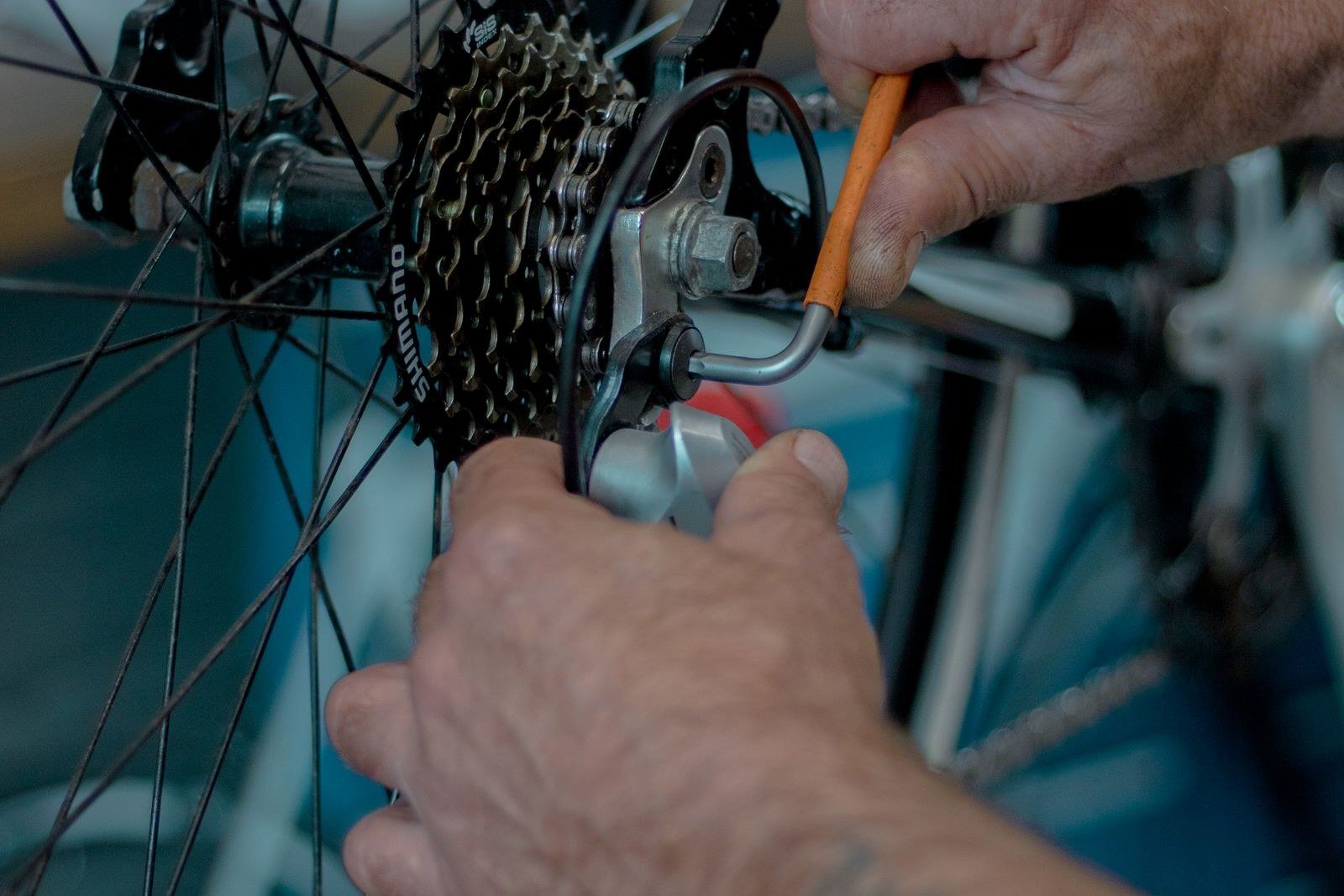
Photo by Rehook Bike on Pexels. Hands-on work on the bike: the same careful approach applies to battery contacts — inspect first, then clean gently.
Read this before you start: never use water to clean battery contacts. Never open the battery pack. Never short the terminals. If the pack is swollen, rattling, cracked, or has been opened or rebuilt, do not clean it and ride on — that is a dealer or replacement decision, not a cleaning job.

Myth 1: “Green residue is just dirt — wipe it off and ride.”
Fact: the green residue is corrosion on the metal contacts, not ordinary dirt. Dirt sits on top of the metal; corrosion is the metal surface itself breaking down, and it can leave the pins pitted underneath even after the green is gone. That is why the check matters as much as the wipe: look at the pins after cleaning. Straight, shiny and dry means the contact is sound. Pitting, black scorch marks or a pin that no longer sits true means the contact itself is damaged.
Tip: wipe, then look. Check every pin, and every cradle pin on the frame, the same way. If the metal looks eaten away after a dry wipe, stop cleaning and read the checklist below.
Myth 2: “Water cleans battery contacts faster.”
Fact: never use water on battery contacts. Water is what helped the corrosion form in the first place, and putting more of it on the bare pins of a lithium battery pack is the wrong tool for the job. The correct clean is a dry microfiber cloth, or electrical contact cleaner, and the contacts must be fully dry before you go any further.
Tip: if the pins look wet from rain or washing, dry them with a clean, lint-free cloth and let them air-dry before you touch them with cleaner. Never refit a damp pack into the cradle.
Myth 3: “Any household cleaner works on contacts.”
Fact: no source in this guide recommends a general household cleaner for battery contacts. What works is a dry, clean, lint-free cloth, or contact cleaner if oxidation is present. Household sprays are made for kitchen and bathroom surfaces, not for the discharge pins of a lithium pack, and you have no way of knowing what they leave behind on the metal.
Tip: keep it to two things: a dry microfiber cloth for light dirt, and electrical contact cleaner for visible oxidation. If neither shifts it, the answer is not a stronger cleaner — it is the checklist below.
Myth 4: “Corroded contacts mean the battery is dead.”
Fact: corrosion on the pins says nothing about the cells inside the pack. A pack with green pins can still be perfectly healthy once the contact is clean — the test is under load, not on a bench. A healthy pack holds its charge indicator reasonably steady and does not cut out; a tired one drops two bars on the first climb or throws an error and shuts down.
Tip: after cleaning and drying, refit the pack until it locks, then ride a short route with a climb in it and watch the indicator. Steady bars mean the cleaning worked.

Myth 5: “You can open the pack to clean the contacts inside.”
Fact: never open a battery pack. The contacts you can clean are the ones on the outside — the discharge pins, the charging port and the matching cradle pins on the frame. Anything inside the casing is not a cleaning job. The same rule applies when you are looking at a used bike: if the pack has been opened, rebuilt, or has cells from a different brand than the label, walk away. Amateur pack rebuilds are the ones that make the news.
Tip: on a used bike, check the casing as well as the pins. No swelling anywhere, no cracks at the mount points, no signs that water has gotten in, and a safety certification marking on the pack.
Myth 6: “A rattling pack is fine if it still charges.”
Fact: a pack that rattles when you tip it gently has loose cells inside, which means it has been dropped or badly rebuilt. Charging is not the test — a damaged pack can still take a charge. The rattle is the warning, and it outranks everything else on the inspection list. Do not clean the pins and ride on; that pack needs a dealer, not a cloth.
Tip: tip the pack gently and listen before you clean anything. No rattle, no swelling, no cracks — then look at the contacts.
Myth 7: “Scrape the pins bright with sandpaper.”
Fact: no source in this guide recommends sandpaper, steel wool or any abrasive on battery contacts. The pins are small, and an abrasive can score and damage them — which leaves a rougher surface for the next round of corrosion to grip. A dry cloth or contact cleaner is the whole toolkit.
Tip: if a pin looks pitted after a dry wipe, leave it alone. Pitted or bent pins are a shop job: the cradle or the pack needs parts, not more pressure from you.
Myth 8: “Corrosion only happens on old bikes.”
Fact: corrosion follows moisture and dirt, not age. A new bike ridden in the rain, washed with a hose, or stored damp can grow green residue on its contacts in its first season, while a five-year-old bike kept dry and wiped down can have pins that still look new. The used-bike checklist treats every pack the same: inspect the contacts on any bike you are about to buy, whatever the year.
Tip: after wet rides, wipe the pins and the cradle dry before the bike goes away.
Before you ride again: the checklist
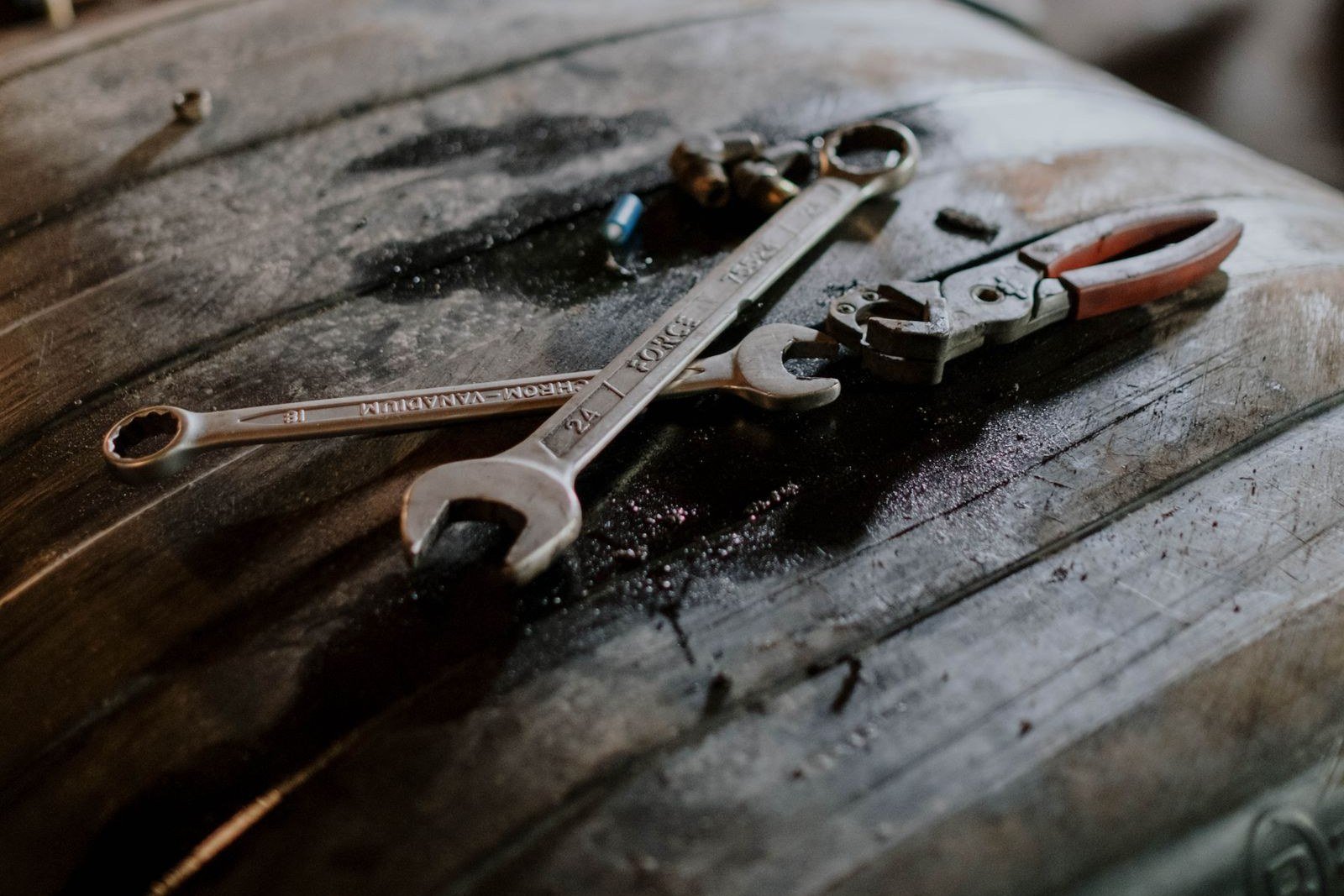
Photo by cottonbro studio on Pexels. Keep the toolkit small: a dry cloth and contact cleaner are enough for this job.
Work through this list in order. Any “no” on the first five lines stops the job — that is a dealer decision, not a cleaning job.
- Switch the bike off and unlock the battery from its mount. Lift it out of the frame before you touch the contacts.
- Check the casing: no swelling anywhere, no cracks at the mount points, no signs that water has gotten in. A case that no longer sits flush in its cradle is a hard no.
- Listen: tip the pack gently. No rattling — loose cells inside mean it has been dropped or badly rebuilt.
- Check the history: if the pack has been opened or rebuilt, or its cells are a different brand than the label, walk away.
- Inspect the pins: on the pack and on the matching cradle pins on the frame. Look for corrosion, green residue, pitting, bent prongs and black scorch marks.
- Clean: wipe the contacts with a dry microfiber cloth, or electrical contact cleaner if oxidation is present. No water, no household cleaner, no sandpaper or steel wool.
- Dry fully: the contacts must be completely dry before the pack goes back on. Pins should be straight, shiny, dry and clean, with no dirt or black scorch marks.
- Refit until it locks, then test under load: a short ride with a climb, watching the charge indicator. Steady bars and no cut-out mean the cleaning worked.
Photo by cottonbro studio on Pexels. If cleaning does not leave the pins straight and shiny, the next step is parts, not more cleaning.

Readers also ask
What is the green residue on my e-bike battery contacts?
It is corrosion on the metal contacts of the battery or its cradle. It forms where moisture and dirt sit on bare metal, and it weakens the connection until the pack cuts out or drops bars under load.
Can I use water to clean battery contacts?
No. Never use water on battery contacts. Wipe them with a dry microfiber cloth, or use electrical contact cleaner if oxidation is present, and let them dry fully before refitting.
Can I use sandpaper on corroded pins?
No. No source in this guide recommends sandpaper, steel wool or any abrasive. Use a dry cloth or contact cleaner. If the pins are still pitted after that, they need a shop, not more scrubbing.
How do I know the cleaning worked?
The pins should be straight, shiny, dry and clean, with no green residue, pitting or black scorch marks. Then test under load: a short ride with a climb. A healthy pack holds its charge indicator steady and does not cut out.
When is cleaning not enough?
When the pins are pitted or bent, the casing is swollen or cracked, the pack rattles, or it has been opened or rebuilt. Then cleaning has reached its limit, and the cradle or the pack needs a shop.
Conclusion
Green residue on e-bike battery contacts is corrosion, and most of the time it is a cleaning job: switch off, remove the pack, inspect the casing and the pins, wipe with a dry cloth or contact cleaner, dry fully, refit and test under load. What makes the difference is knowing where cleaning stops. Straight, shiny pins and a steady charge indicator mean you are done. Pitted pins, a swollen case, a rattle inside or a pack that has been opened mean the job belongs to a dealer.
Additional Details
Name: E-Bike Battery Contacts Corroded With Green Residue: How to Clean Them
Description: Green residue on your e-bike battery contacts is corrosion. Learn how to clean it with a dry cloth or contact cleaner — and when to stop and see a dealer.
Published: November 23, 2026